Customer design editor
Let customers create personalized designs with text, images, shapes, SVGs and graphics directly on your store.
Lorandit Design Studio Pro helps sublimation, DTF, DTG and custom print businesses let customers design personalized products directly online. Customers design, preview, save and order. Your print shop receives PNG design files, prints, applies and ships.
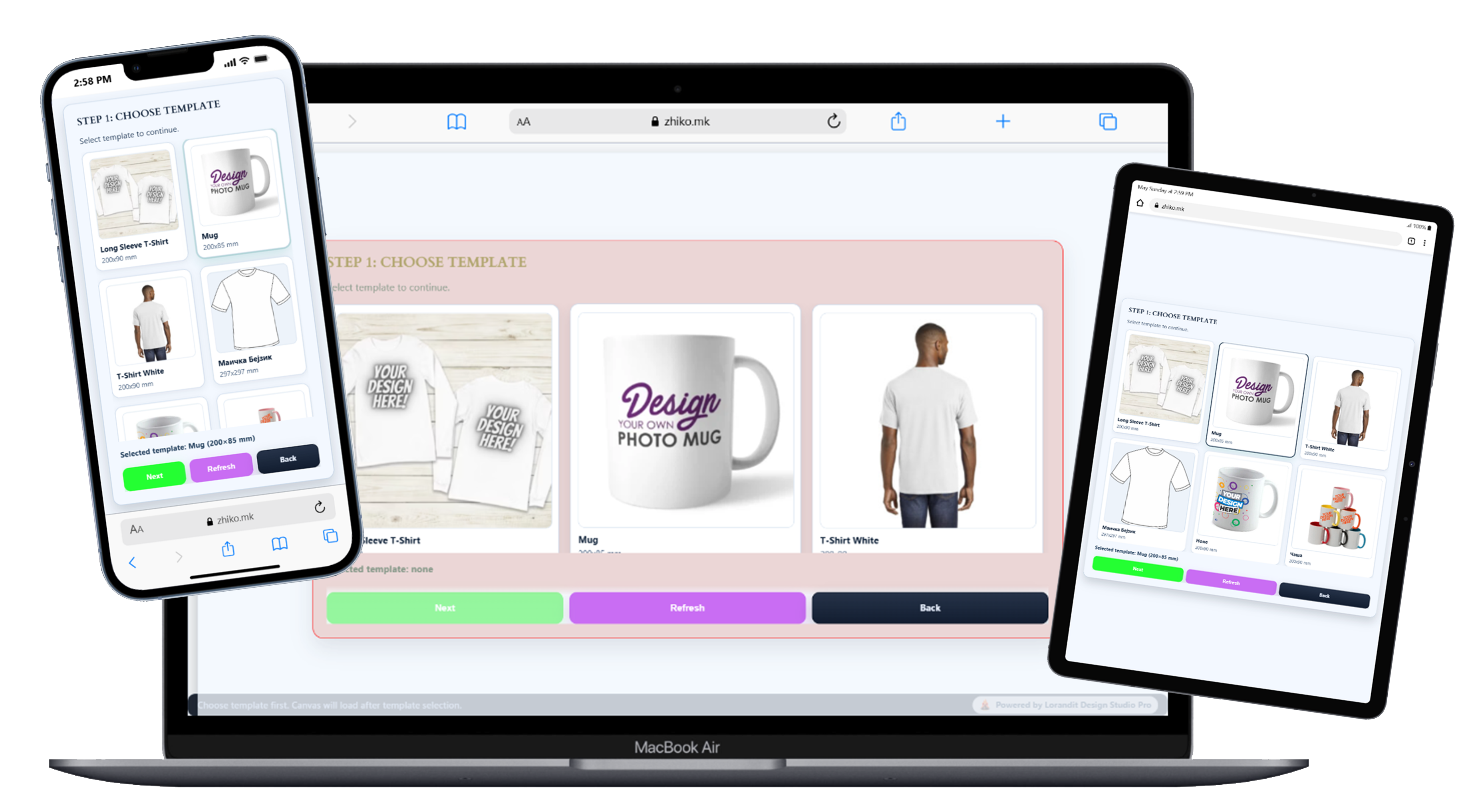
Every custom print shop knows the same conversation: customers want something unique, but they need multiple previews, changes and explanations before placing an order.
The customer creates the design inside allowed print zones, previews it on the product, saves it, adds it to cart and completes the order. The print shop receives the files and focuses on production.

Lorandit connects admin-controlled product design areas with the customer editor and the WooCommerce order workflow.
The store admin defines how each product can be customized before the customer starts designing.
The customer starts from a WooCommerce product such as a T-shirt, mug, keychain, clock or magnet.
The customer adds text, images and graphics only inside the areas defined by the store admin.
The design can be previewed in 2D or supported 3D views, saved and loaded again before checkout.
The final design is attached to the WooCommerce order, including PNG output for the print workflow.
The plugin is designed for businesses where personalization is part of the sale, but production still needs control and predictable output.
Let customers create personalized designs with text, images, shapes, SVGs and graphics directly on your store.
Define exactly where customers can design, so every product has controlled printable areas.
Show the result on product mockups before checkout, with supported 3D preview where configured.
Customers can save their work, return later, reload a previous design and continue editing.
Attach the customer design to a real WooCommerce product, cart, checkout and order flow.
Receive customer design files with the order and continue with sublimation, DTF, DTG or your preferred print process.
Lorandit fits products where every order can be different: names, photos, dedications, graphics, logos and event designs.
Temporary demo media is included here so the landing page can already show the product flow: template selection, customer design, preview, save/load and apply-to-product behavior.
Temporary media — replace later with polished final demo recordings.Temporary screen recording showing how the customer creates a design, previews the product and continues toward the WooCommerce order flow.
Temporary screen recording focused on preview behavior and product visualization before the design is applied to the product.
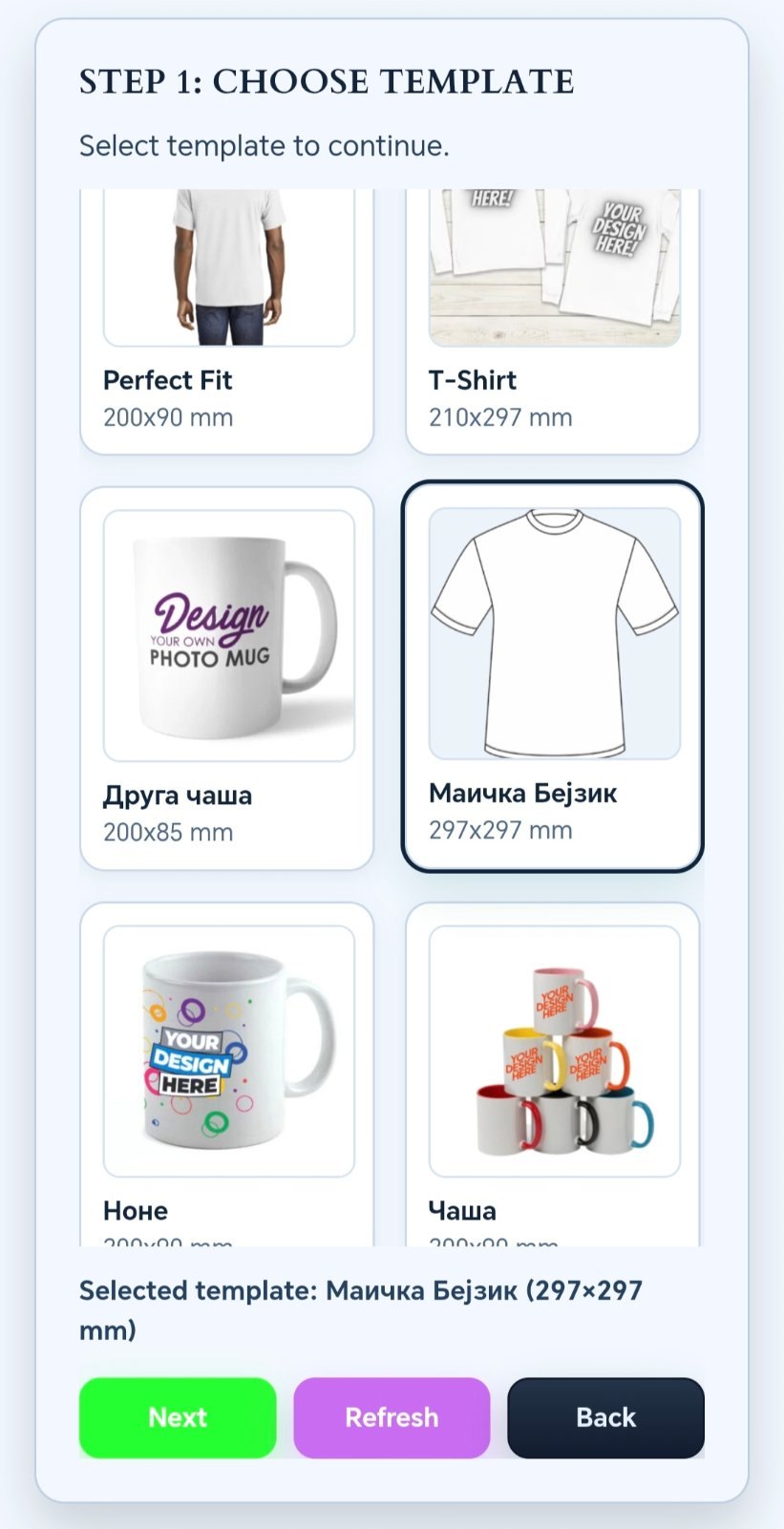
Customers choose from predefined product templates.
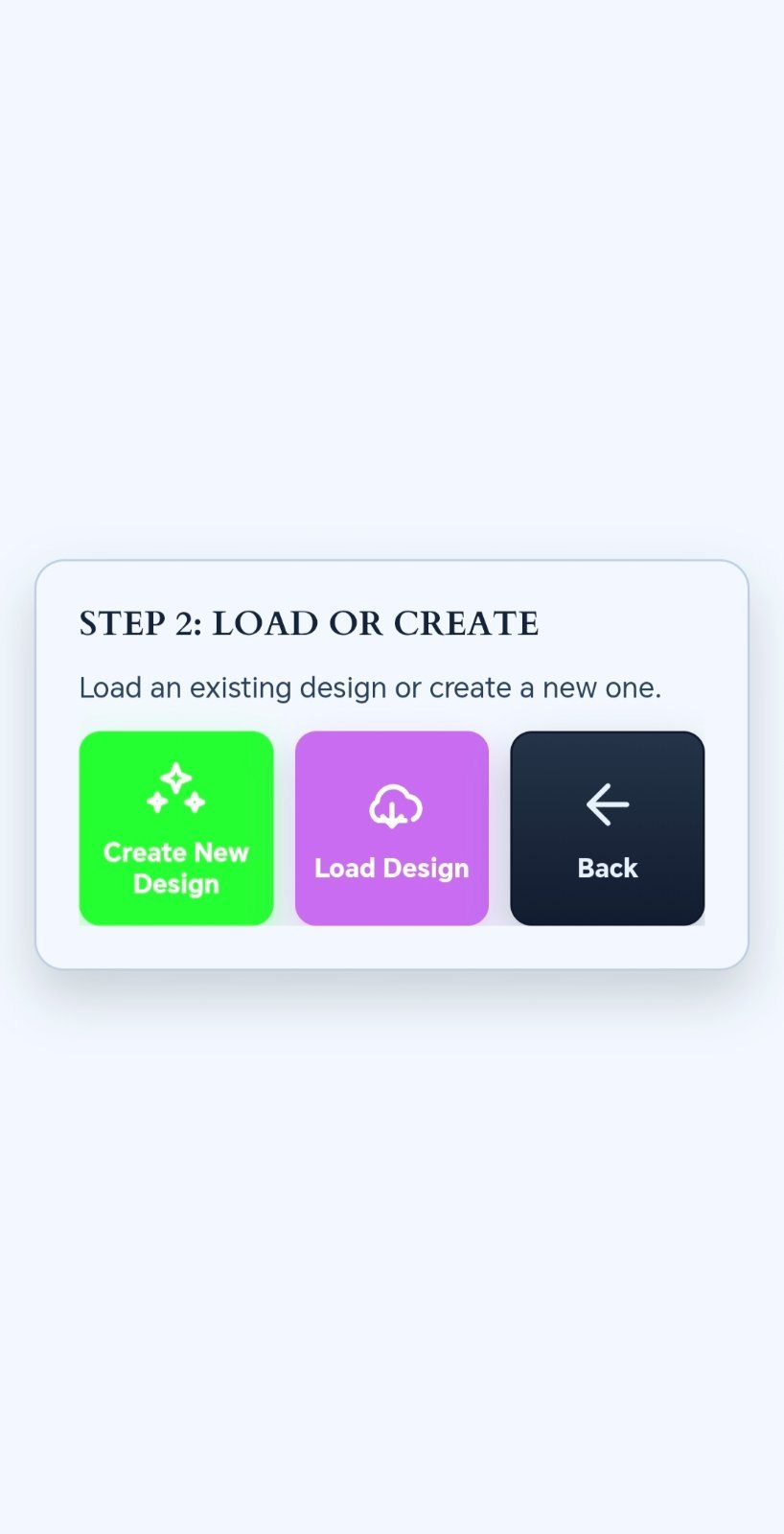
Start a new design or continue from a saved one.
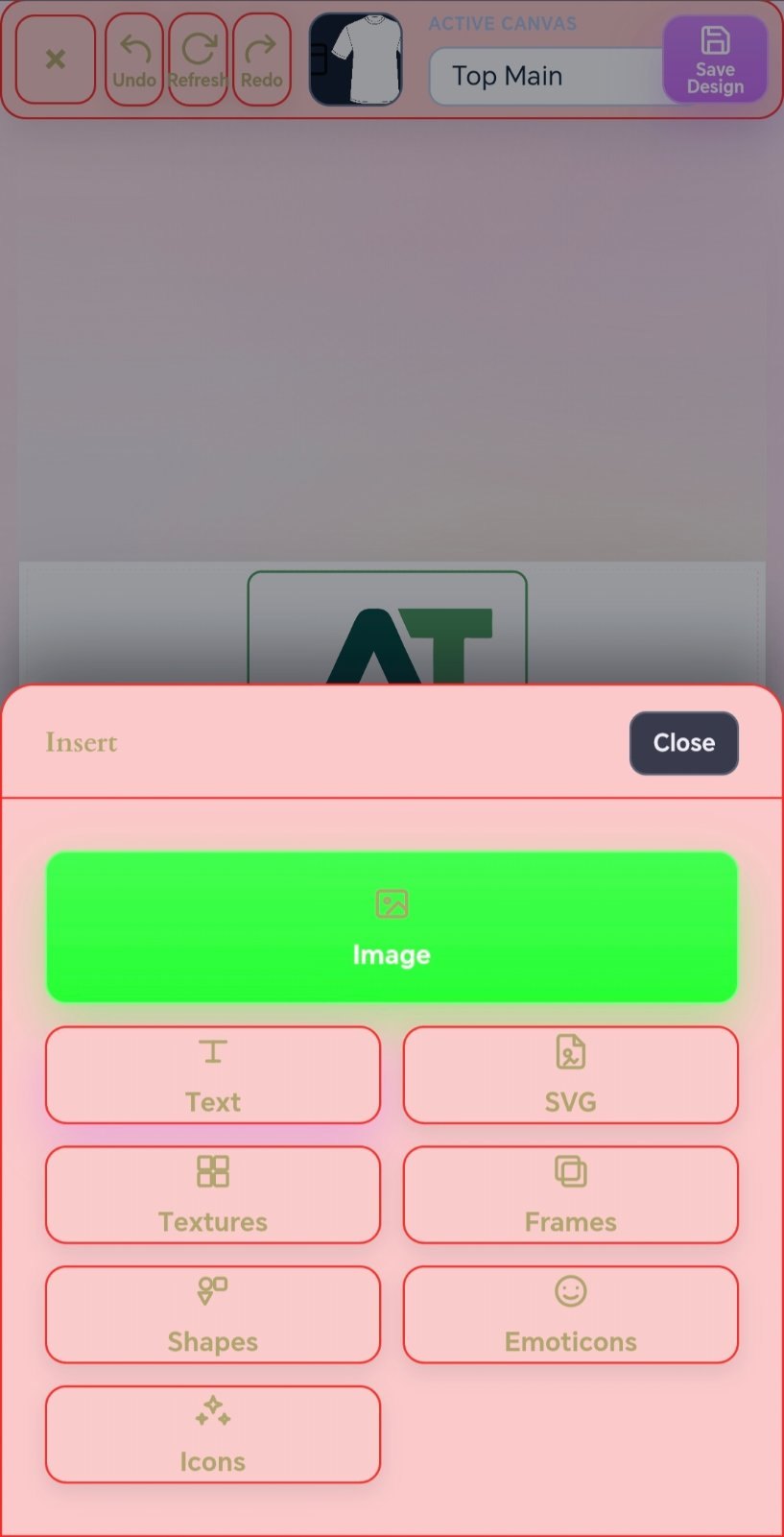
Images, text, SVG, textures, frames, shapes and icons.
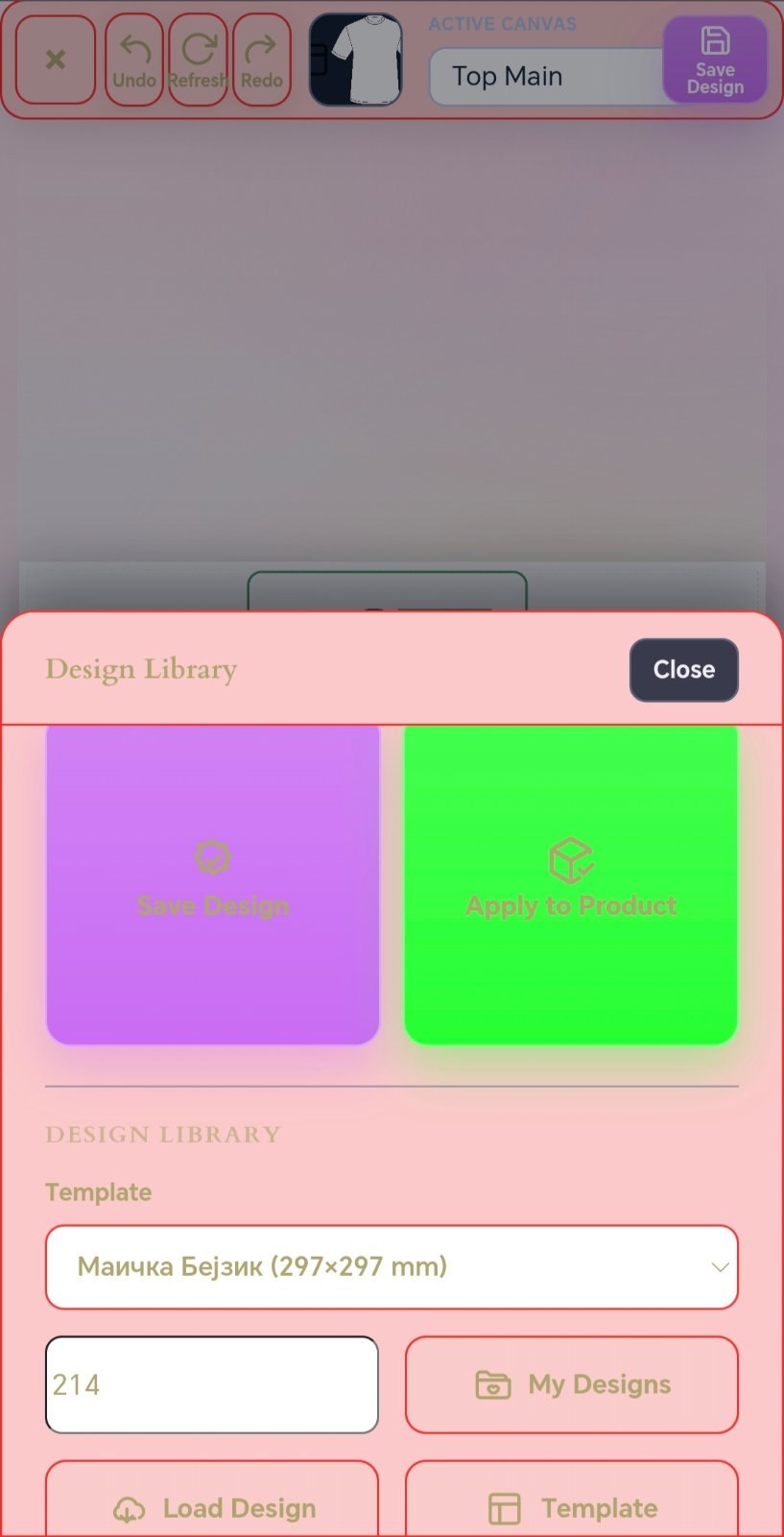
Saved designs can be loaded and applied to WooCommerce products.
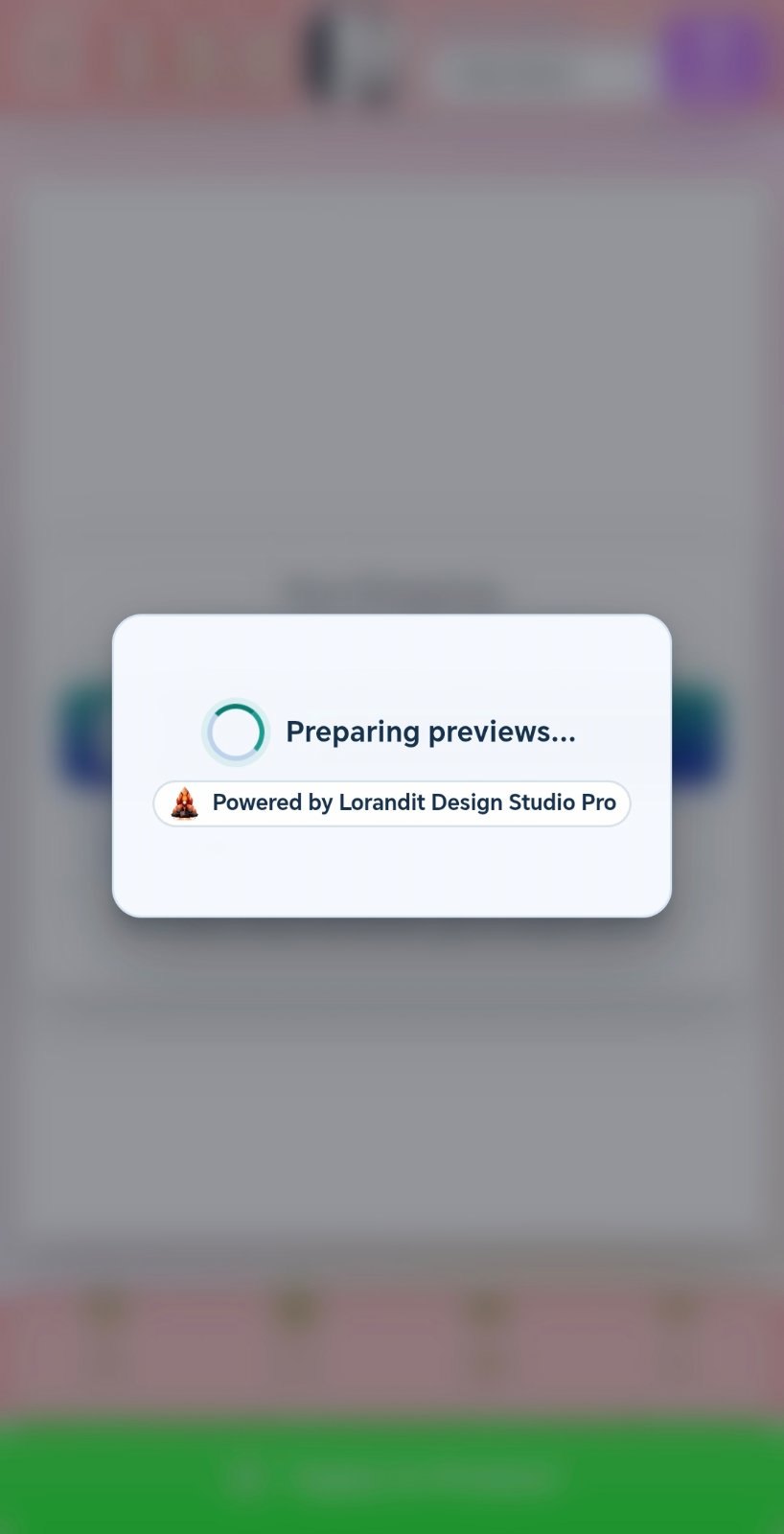
Generate product previews before checkout.
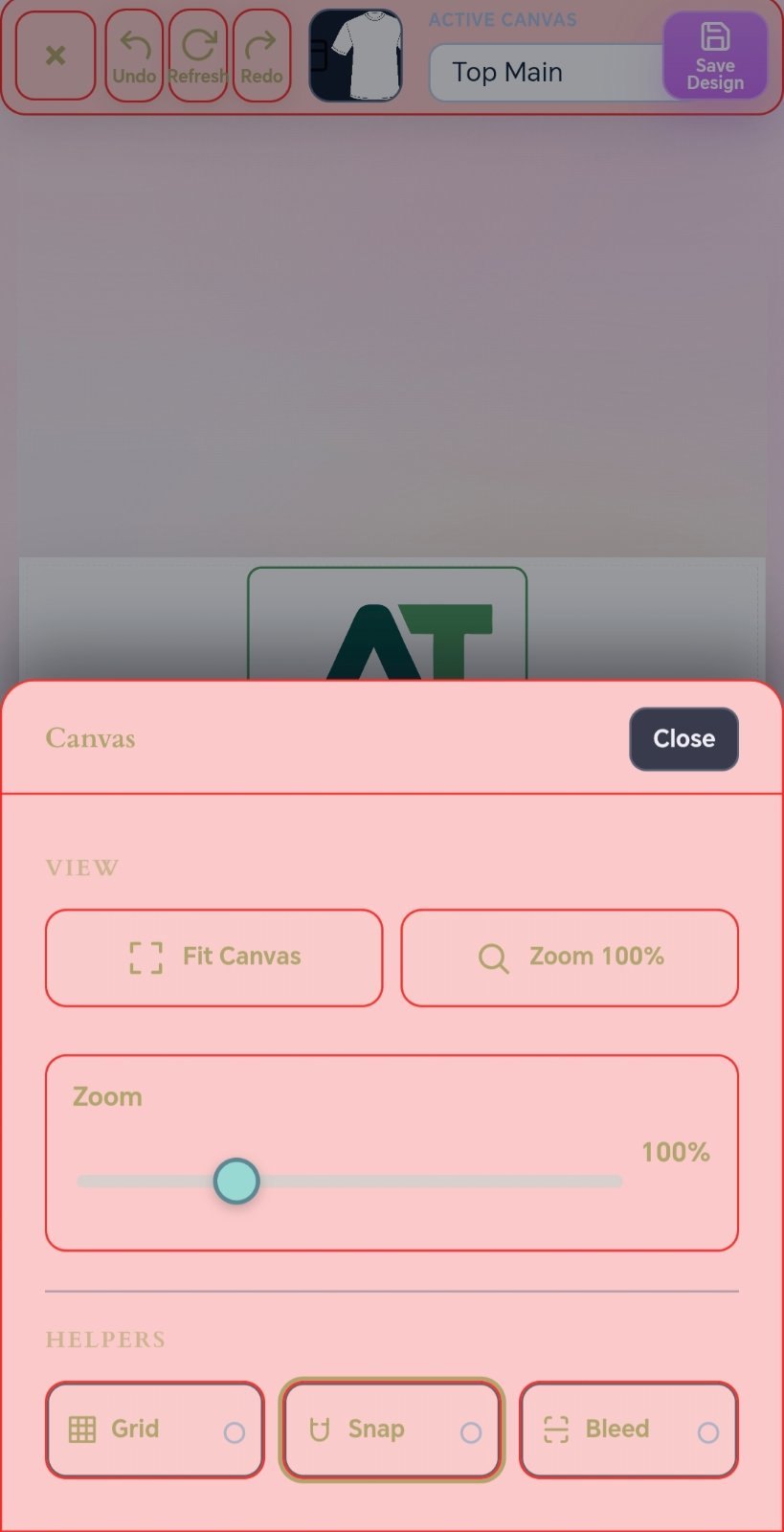
Fit canvas, zoom, grid, snap and bleed helpers.
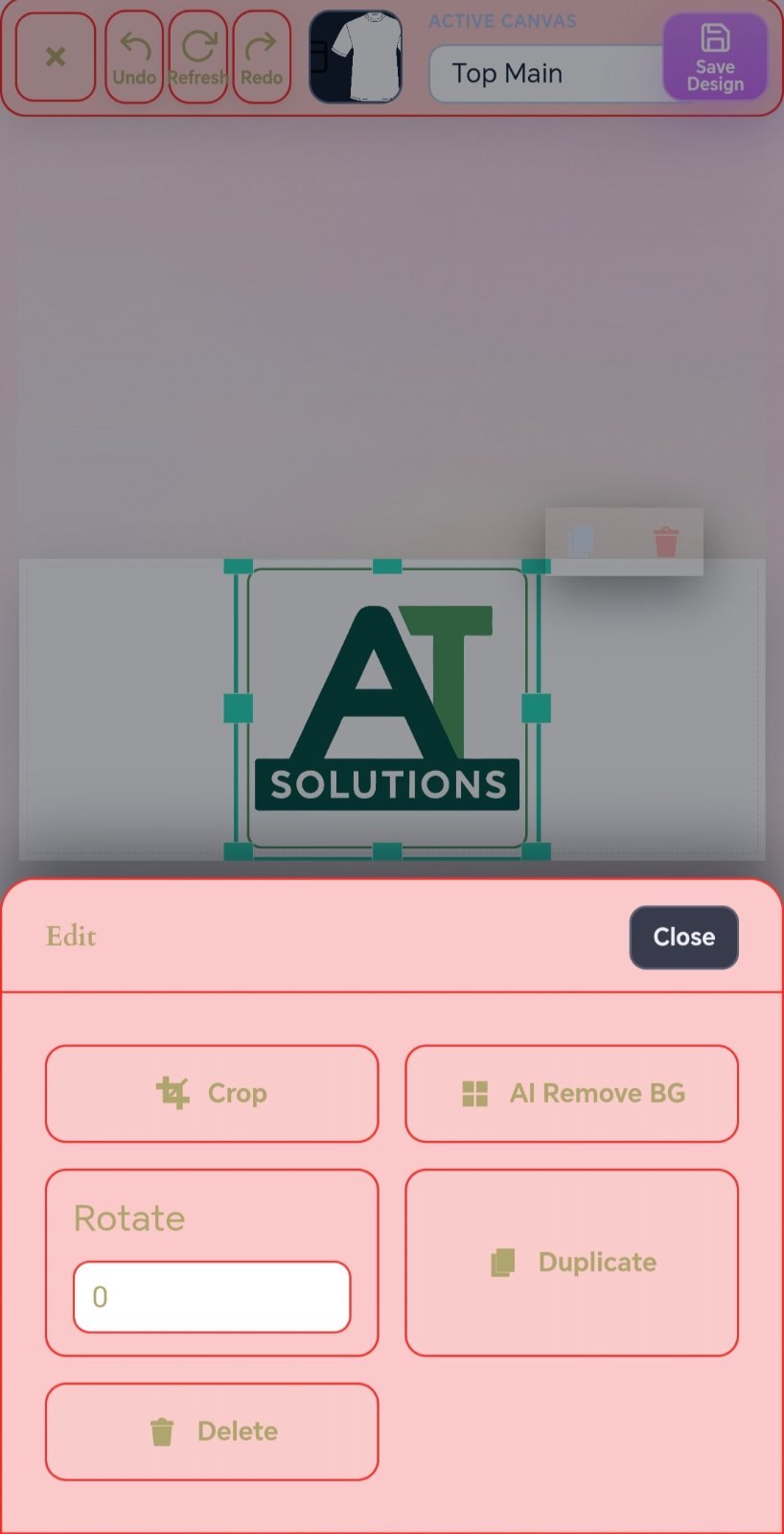
Crop, duplicate, delete and background-removal actions.
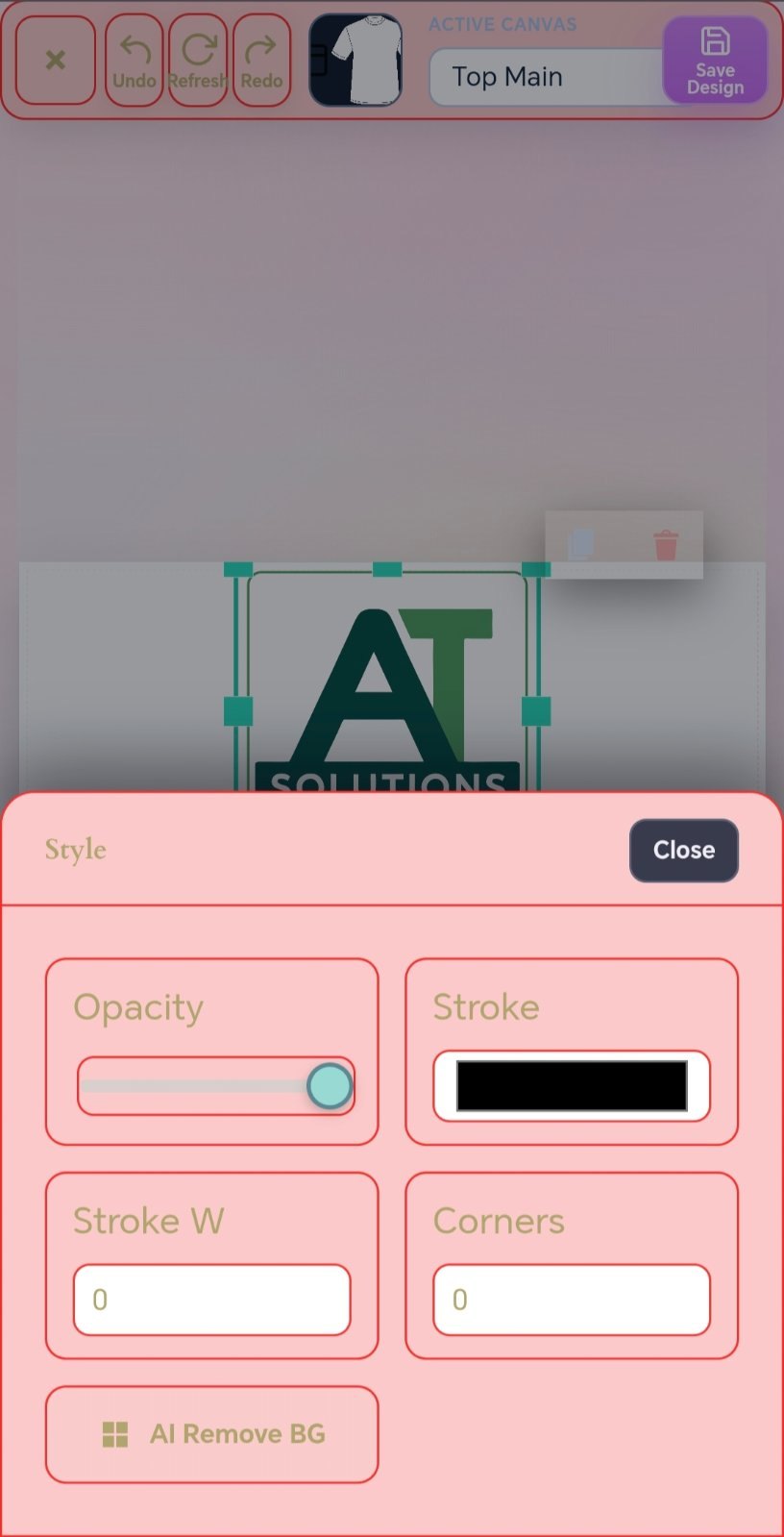
Opacity, stroke, corners and visual styling controls.
Lorandit is a WordPress plugin built for WooCommerce. If a client does not have WordPress and WooCommerce yet, the plugin can be part of a complete custom print store setup.
Lorandit Design Studio Pro is not a standalone desktop program. It is a WordPress plugin with WooCommerce integration.
Clear answers for print shops, store owners and implementation partners.
Let customers design their own personalized products. You receive the order, PNG files and product details, then print, apply and ship.
Use one form for license requests, setup help, full store offers or demo questions. This keeps the site focused without pushing visitors into too many different CTA paths.